Where should I go in Shanghai this Saturday?
Some good food, then a walk.

Start with soup dumplings.
Take a walk when the rain clears.
Shanghai · Sat, Oct 31 · Light rain · 17–22°C
Dotway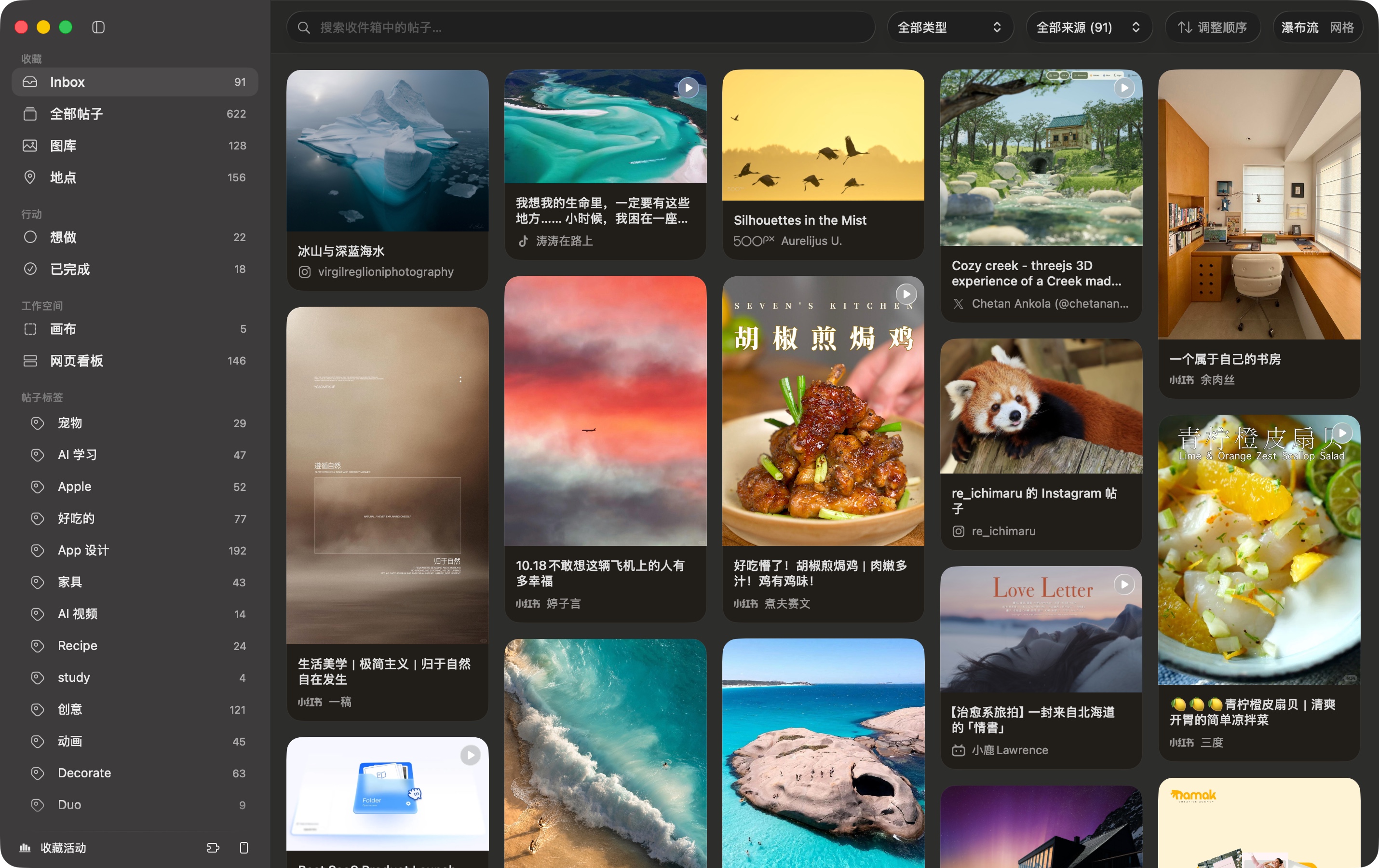
Save what you love from these platforms
Where should I go in Shanghai this Saturday?
Some good food, then a walk.
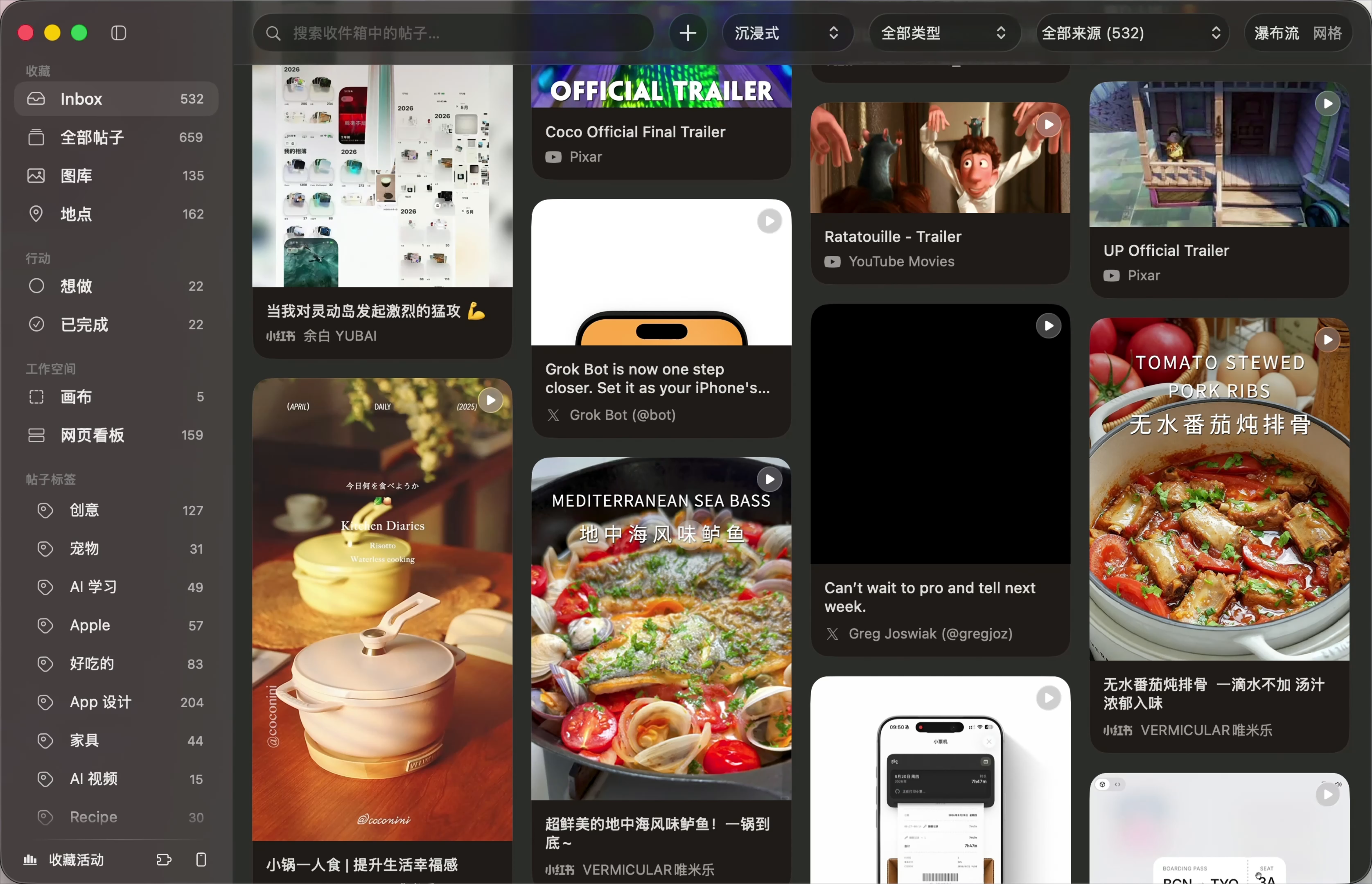
See something you love? Take a screenshot. Dotway finds the original post and adds it to your library when it finds a match, saving you the copying and searching.

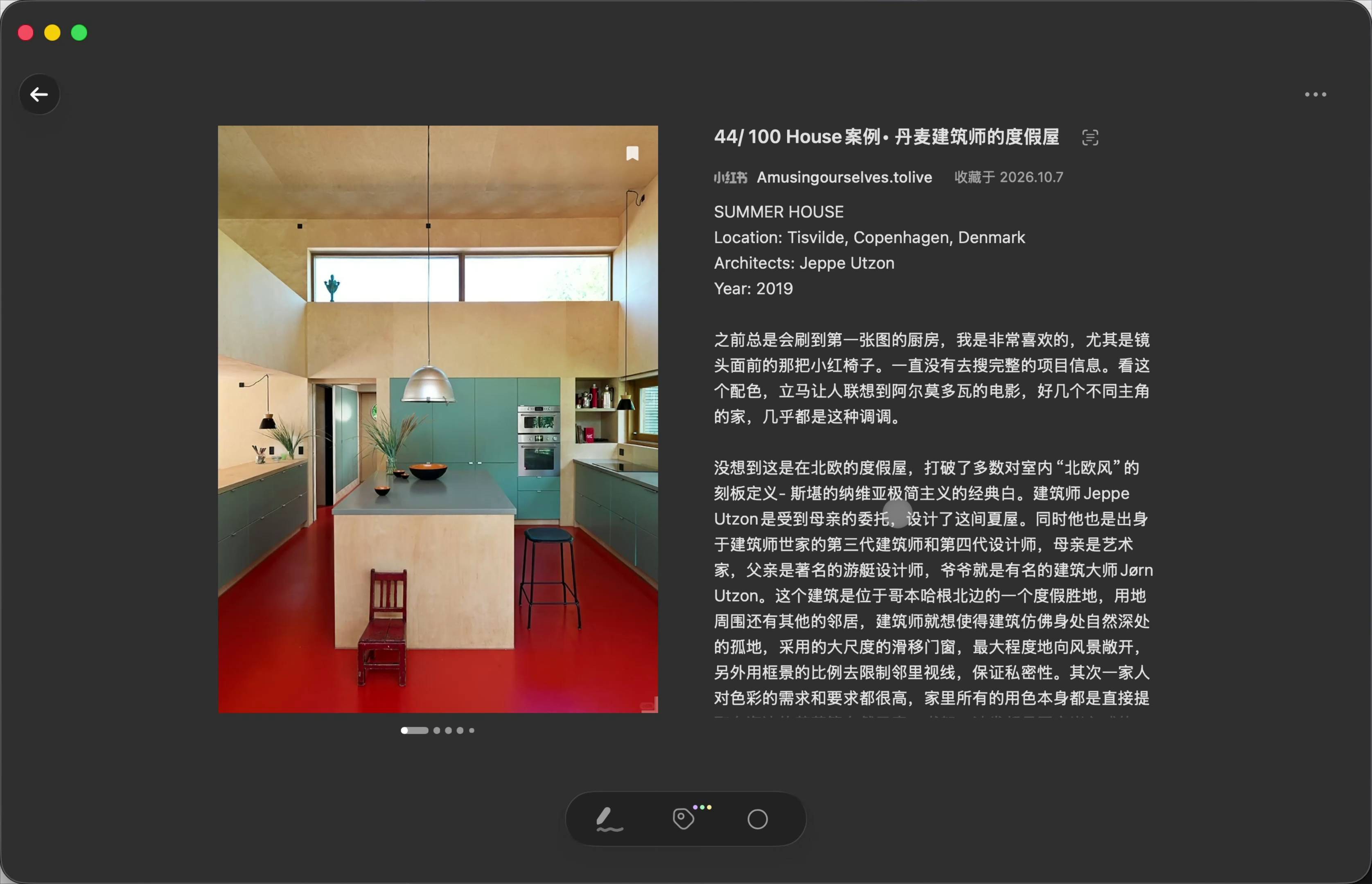
Find the useful details in text, images and video.
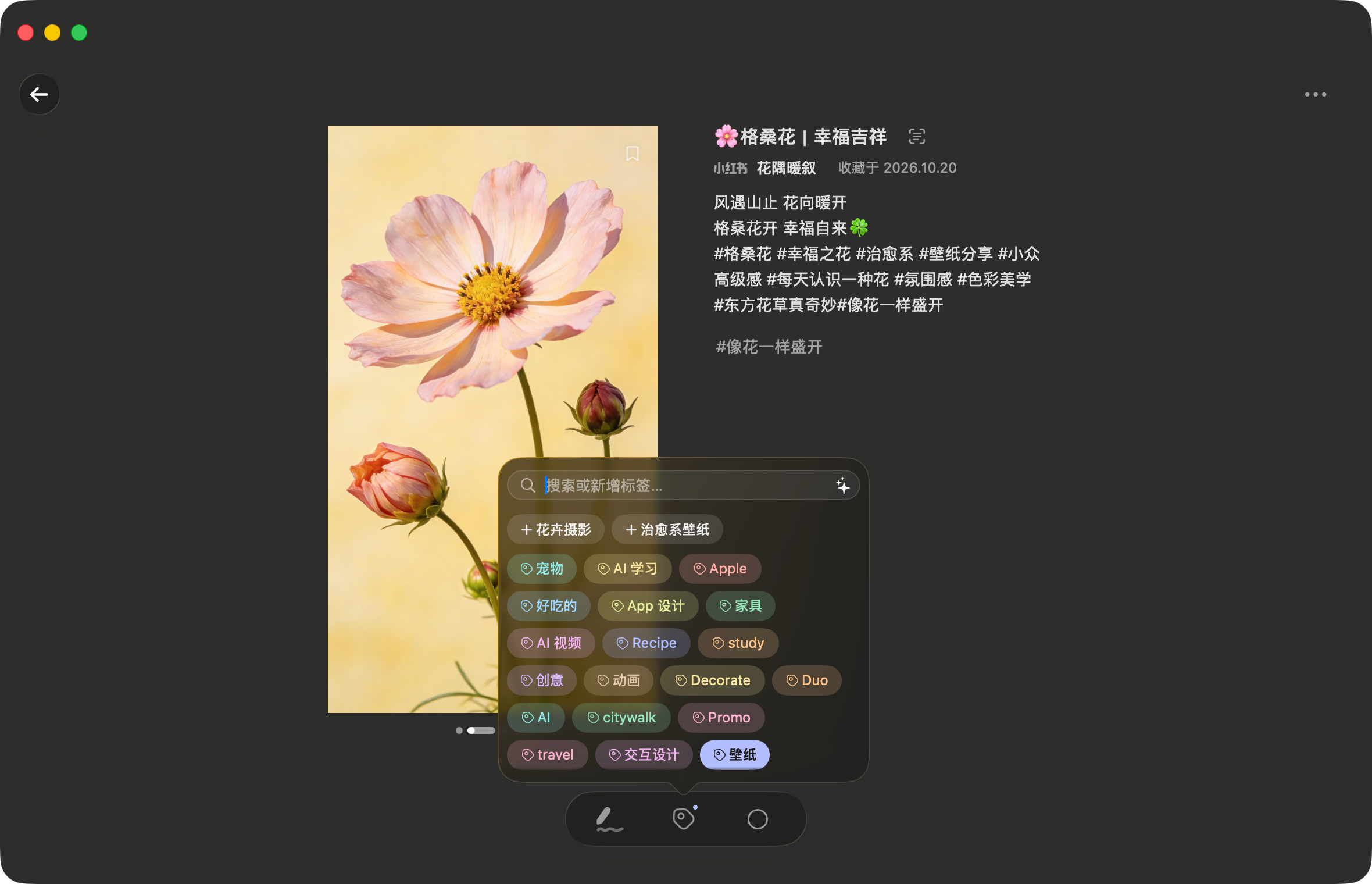
AI reads what you save, applies relevant existing tags and suggests new ones as your interests grow. You approve new tags before they are created.
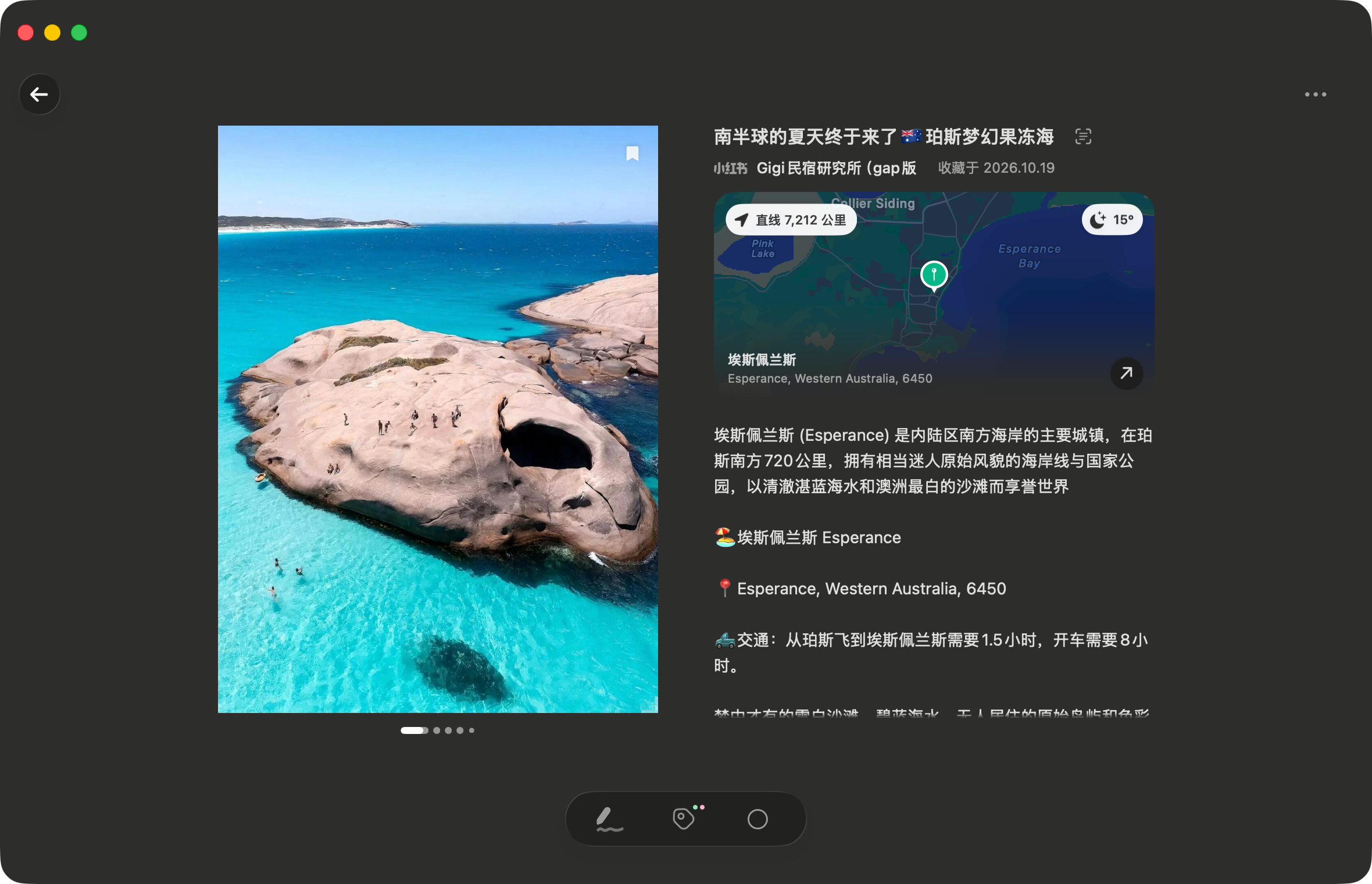
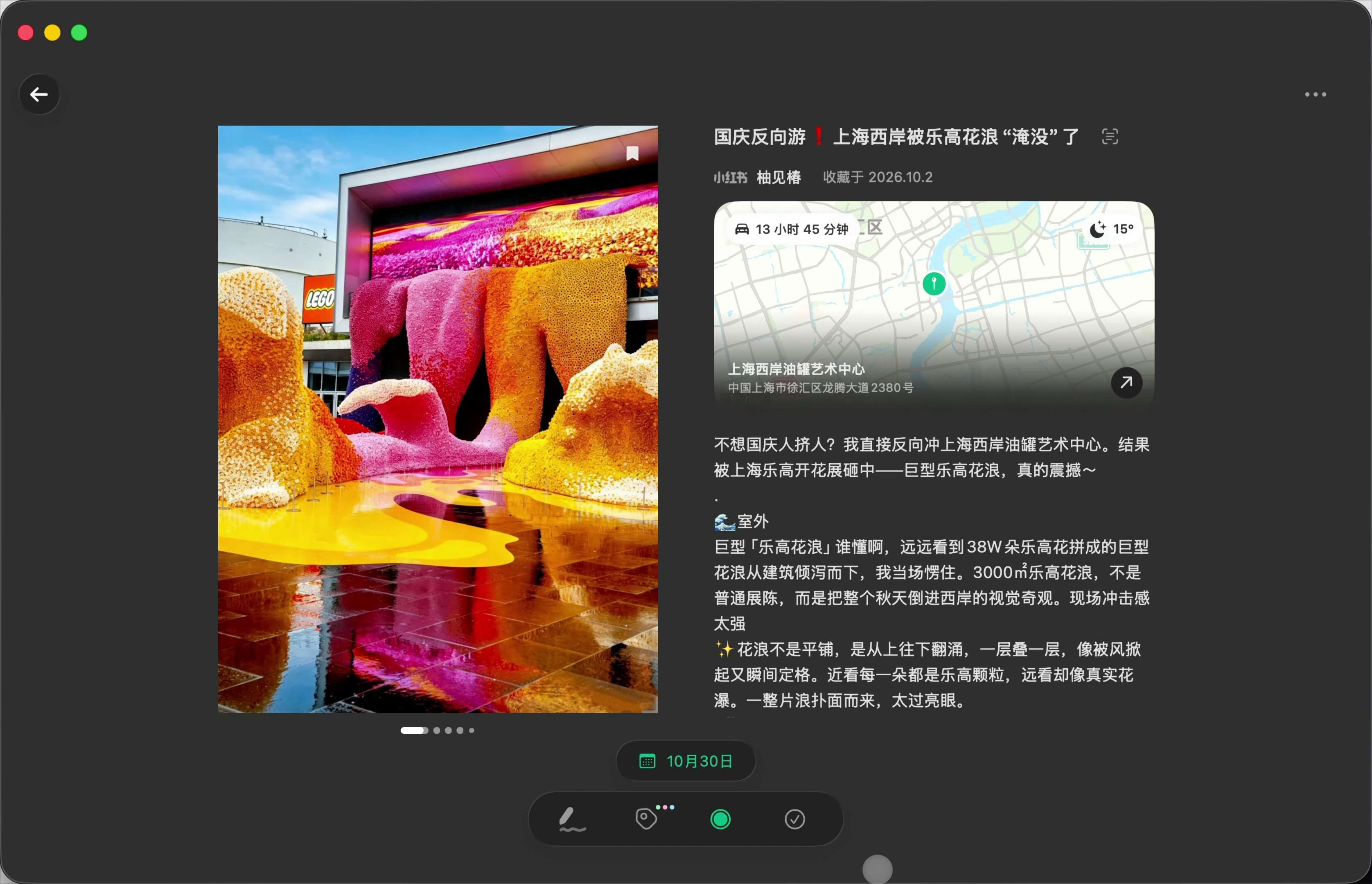
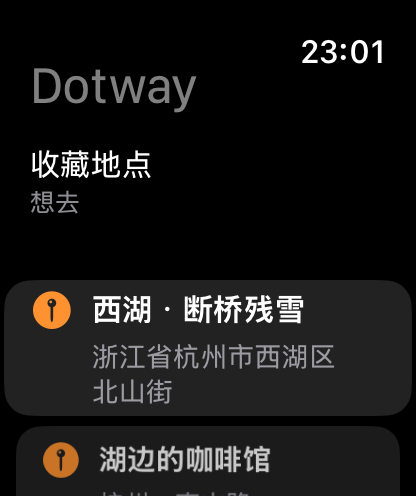
Find restaurants, shops and sights mentioned in your saves, verify them with Maps and link them to the post. See where you want to go, check the address and get directions.
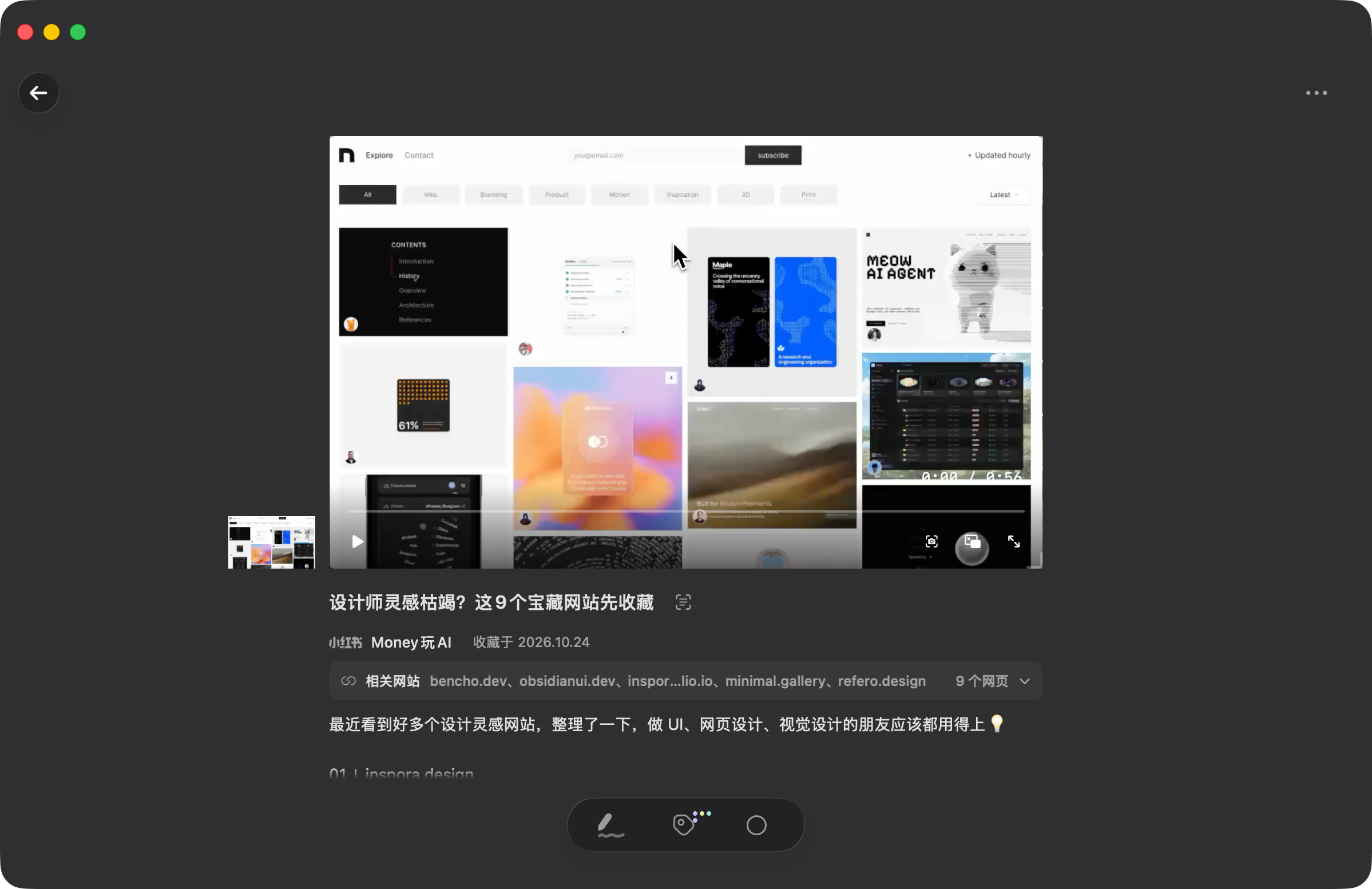
URLs mentioned in a post become cards on your web board. The tools, websites and references you saved are ready to open next time.
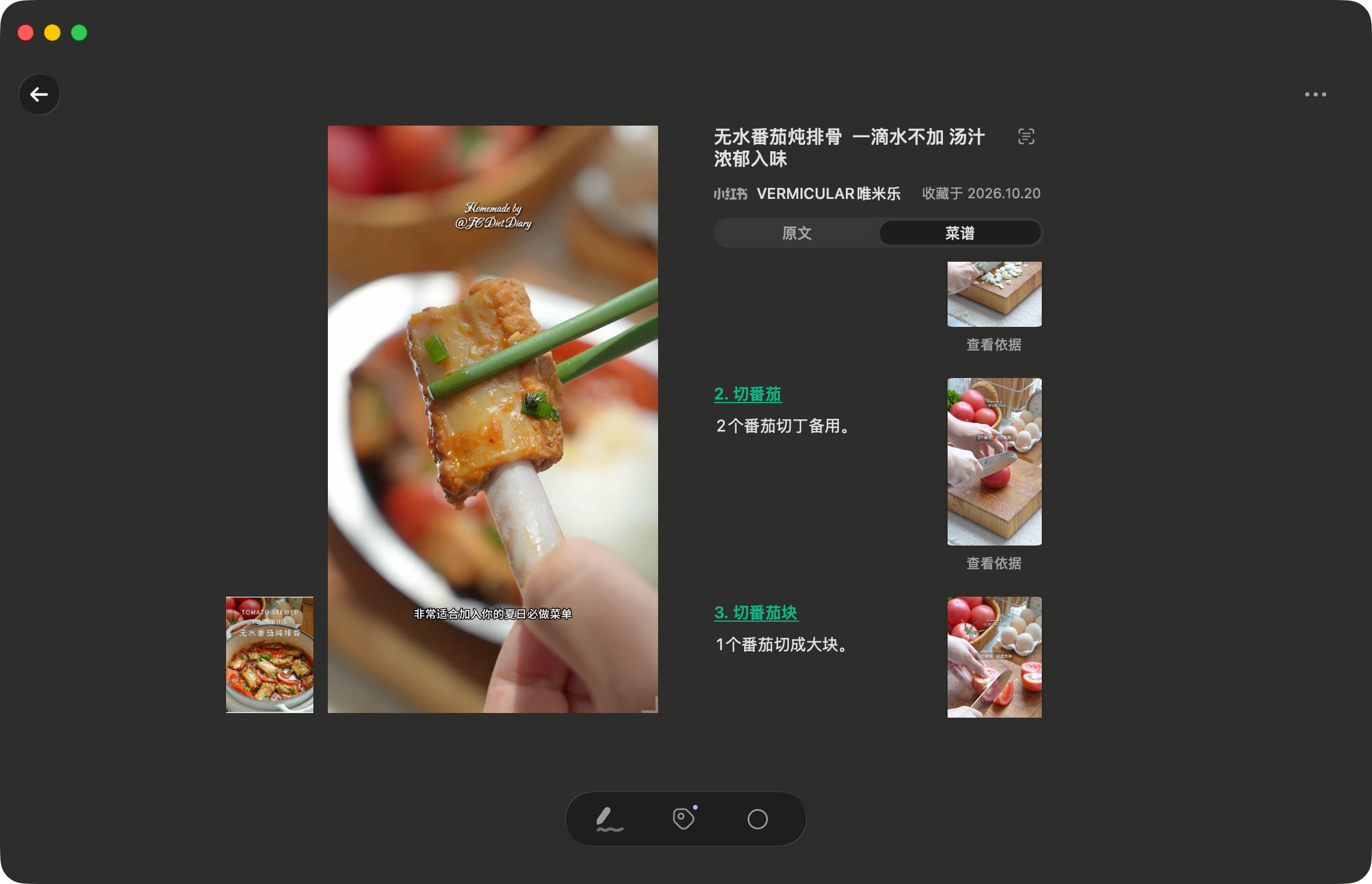
Choose Organize Recipe to have AI extract ingredients, quantities and steps into an editable recipe. Keep the original references, and jump from timestamped steps to the matching moment in a video.
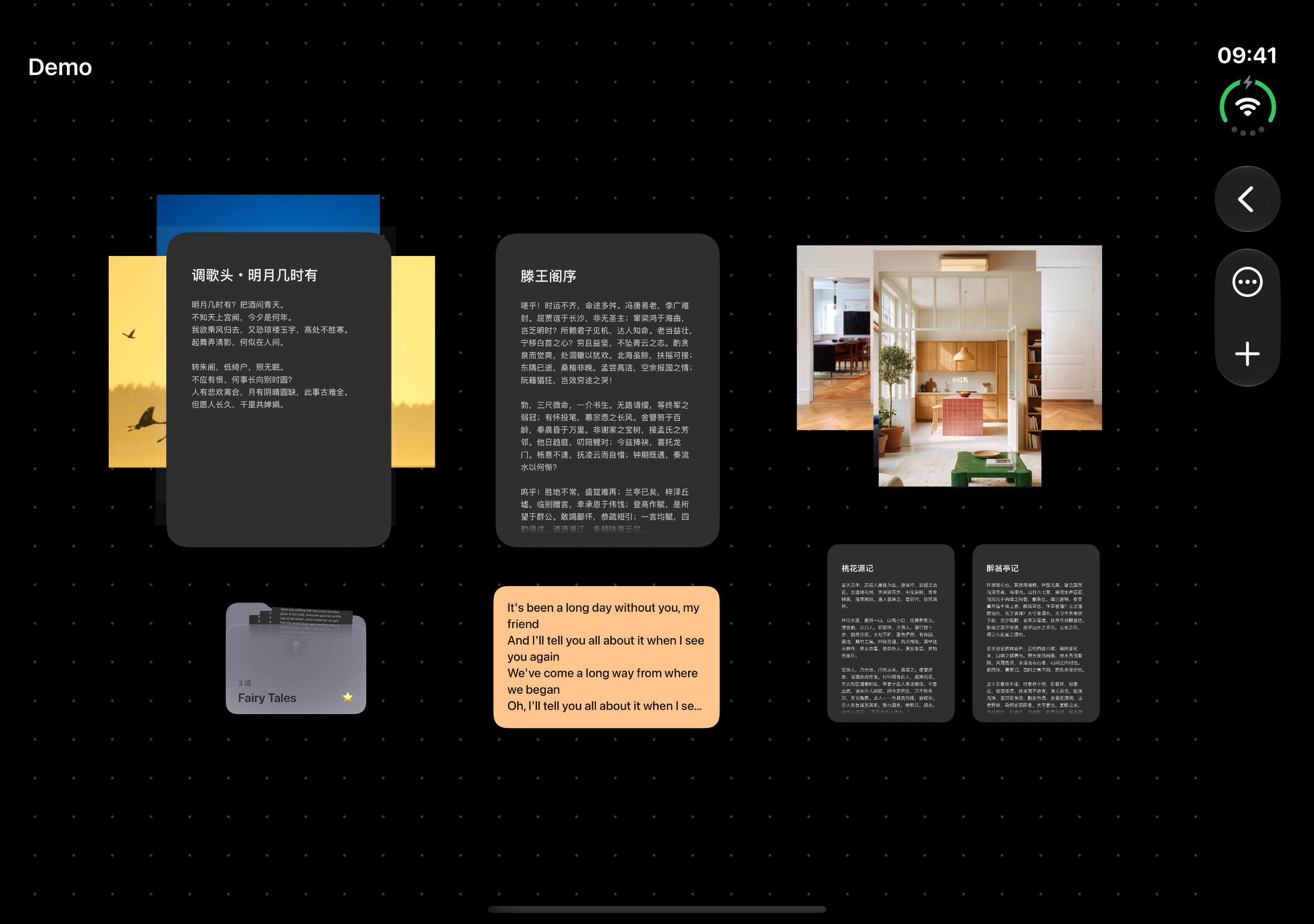
Arrange, stack and zoom into photos, webpages and ideas on one open canvas.
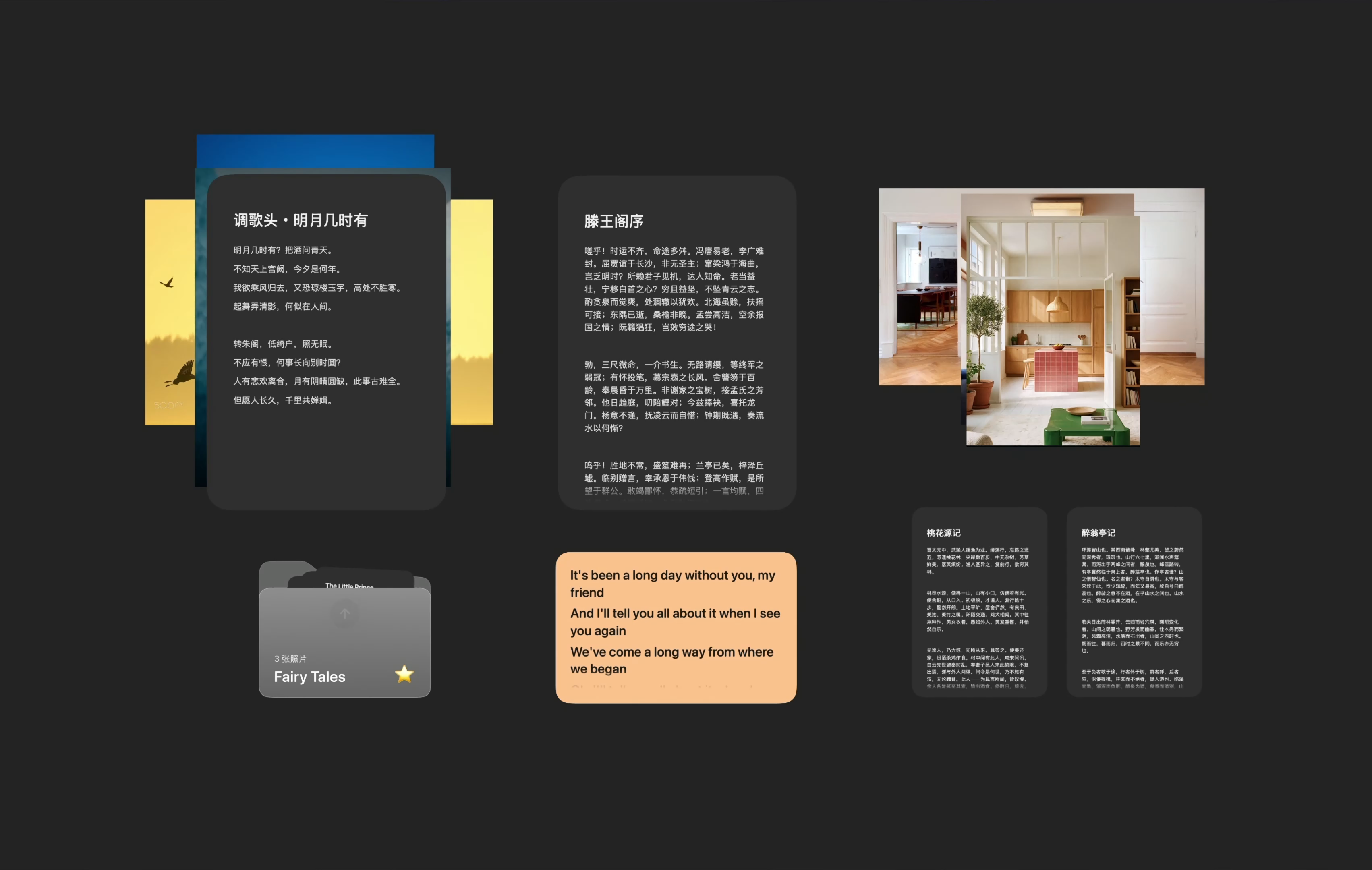
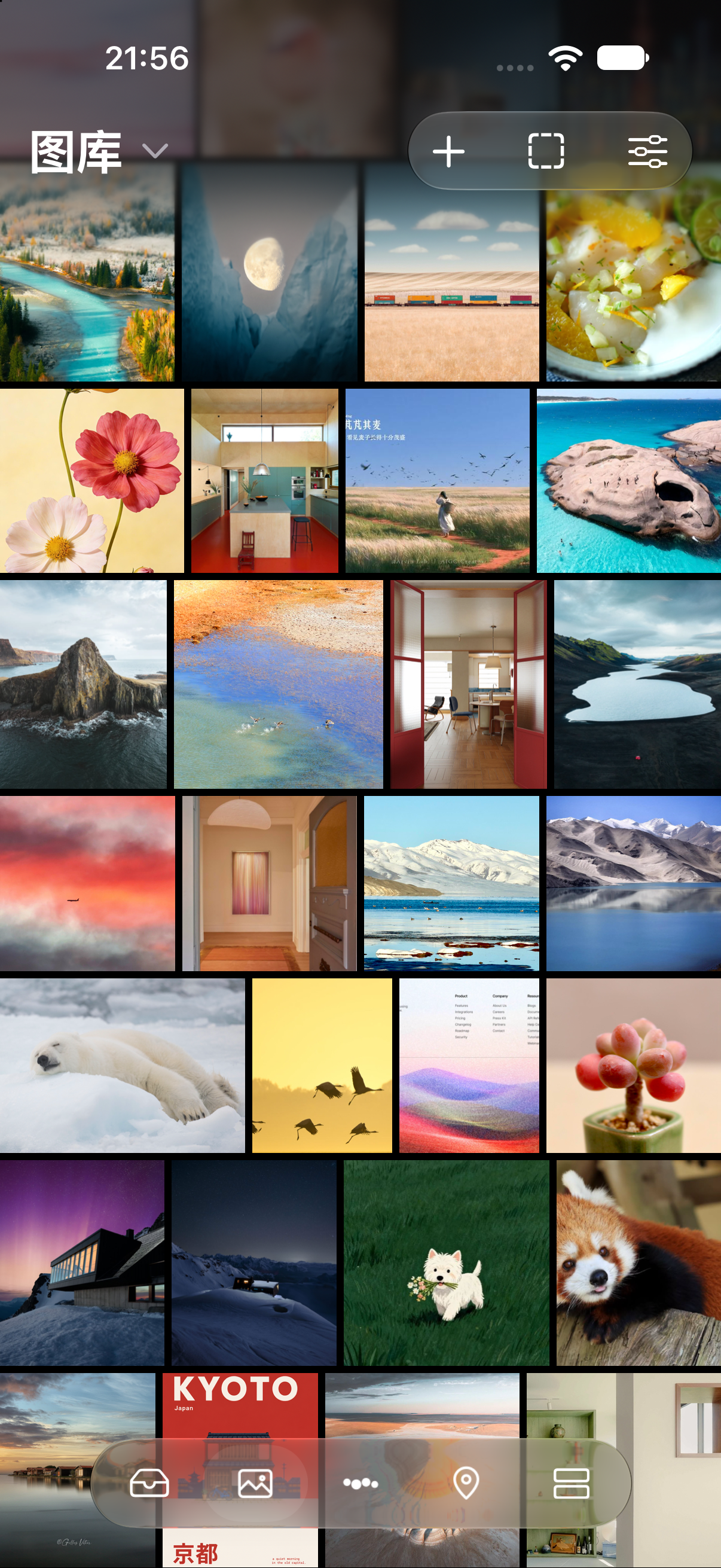
Save a photo. Zoom, compare and add notes.
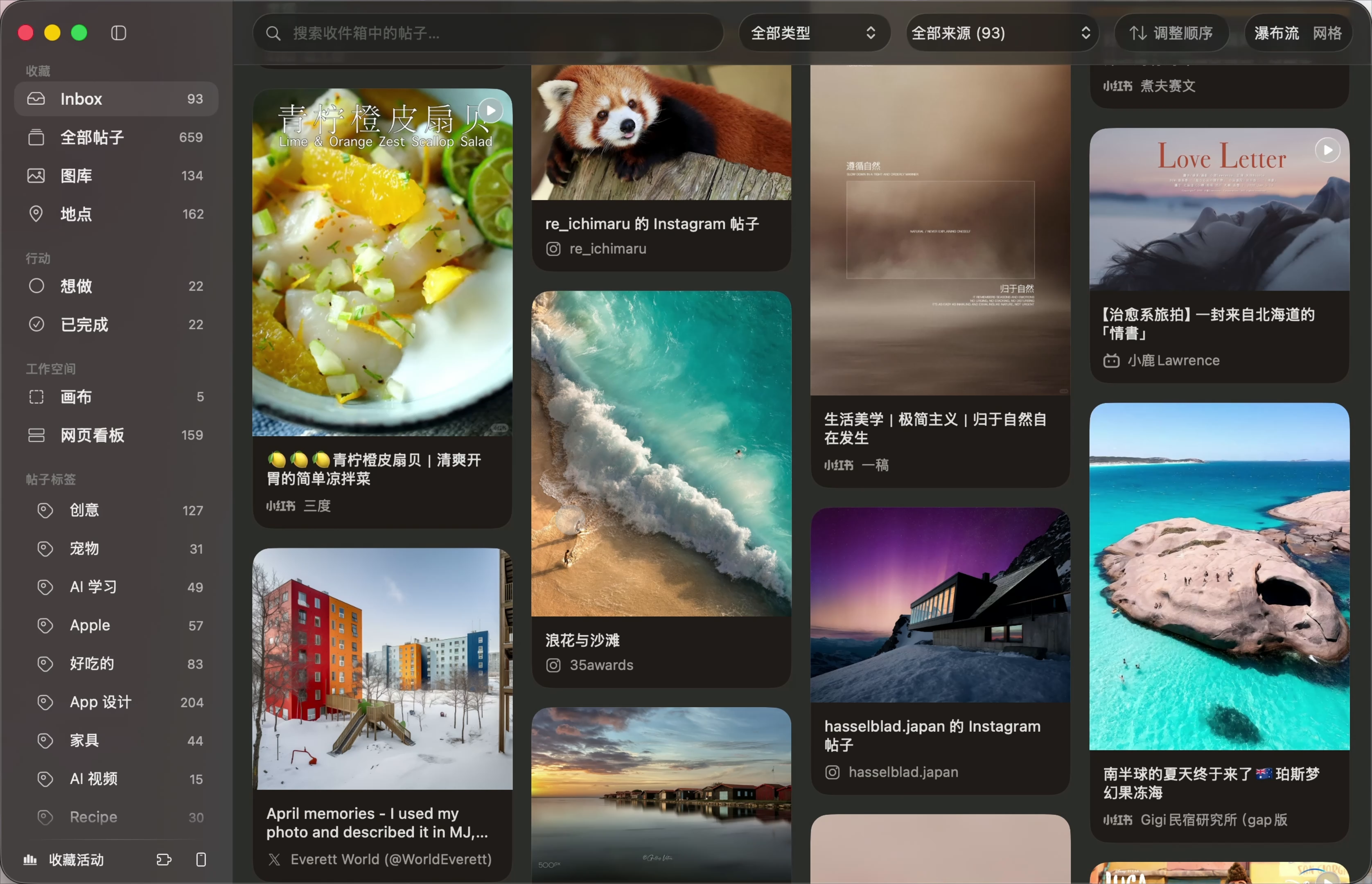
Choose a cover you’ll recognize at a glance.
Highlight words to find them again.
Set a date. Make it happen. Mark it done.
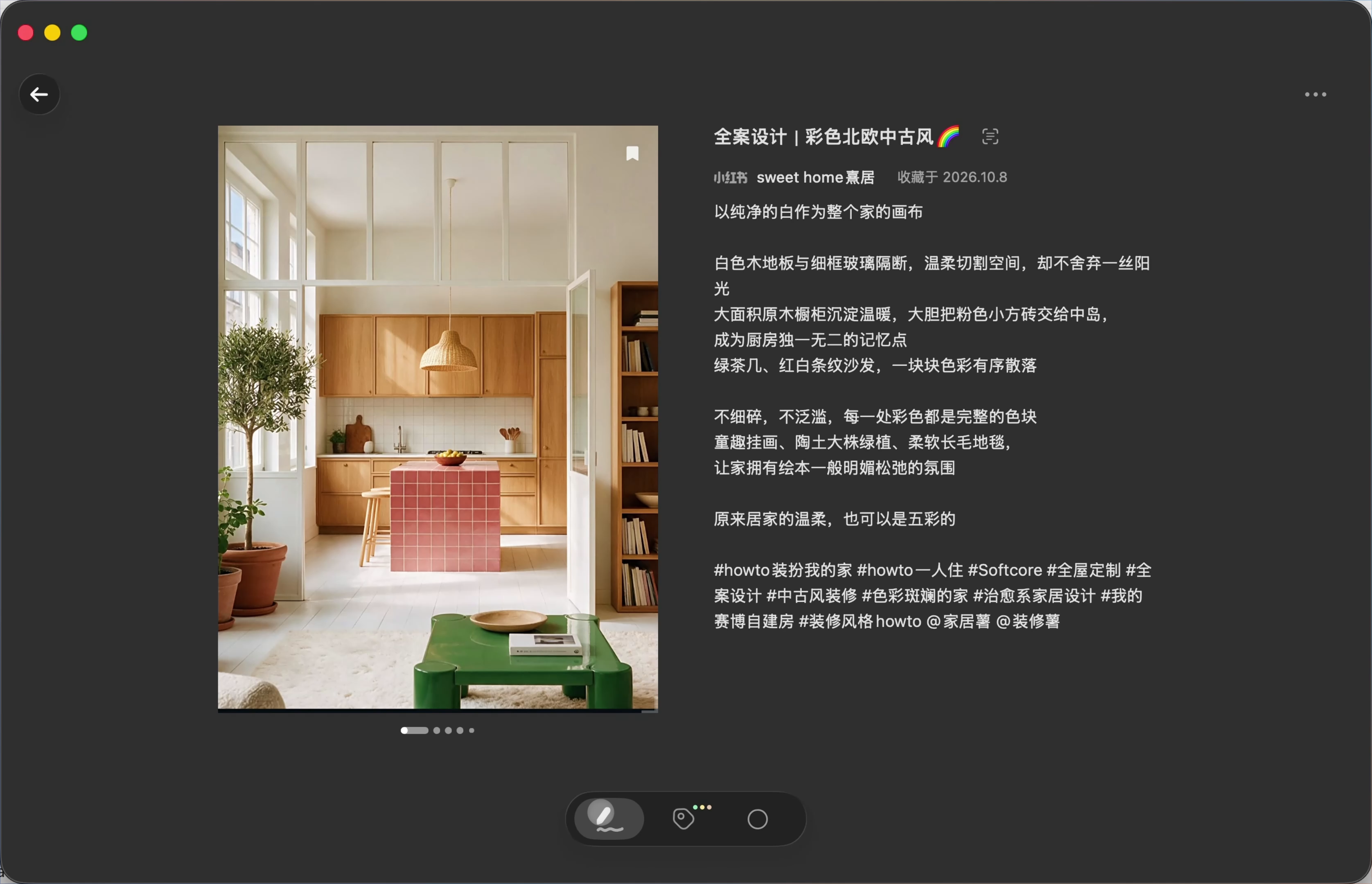
Speak your thoughts. Keep them with the post.
Extract a photo’s main colors and copy a color value with a click.
Turn on read-and-tidy to move read posts out of your inbox.
Look back at your saving activity and watch your interests take shape.
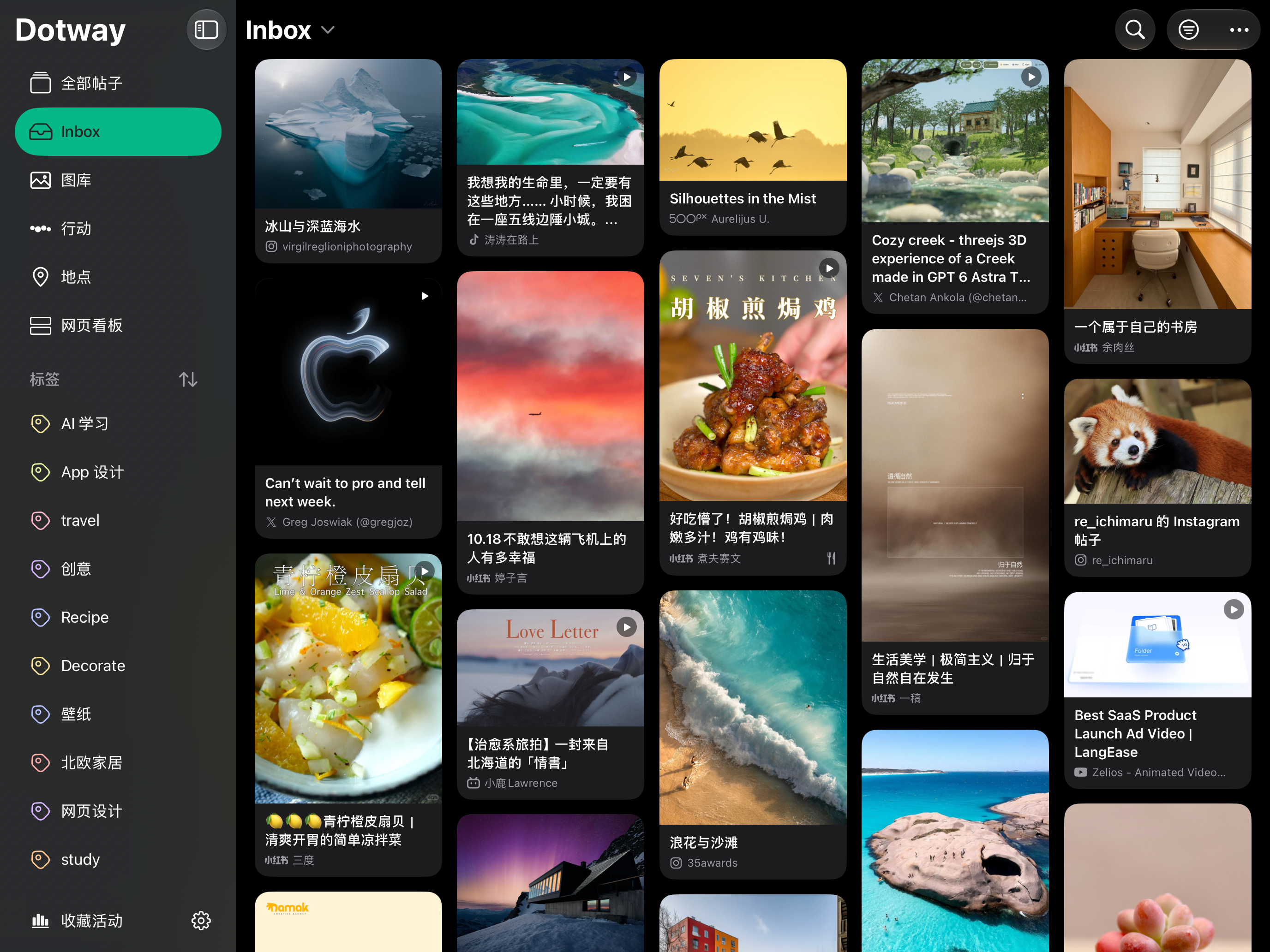
Your collection syncs across devices. Even your saved places are there on your watch.
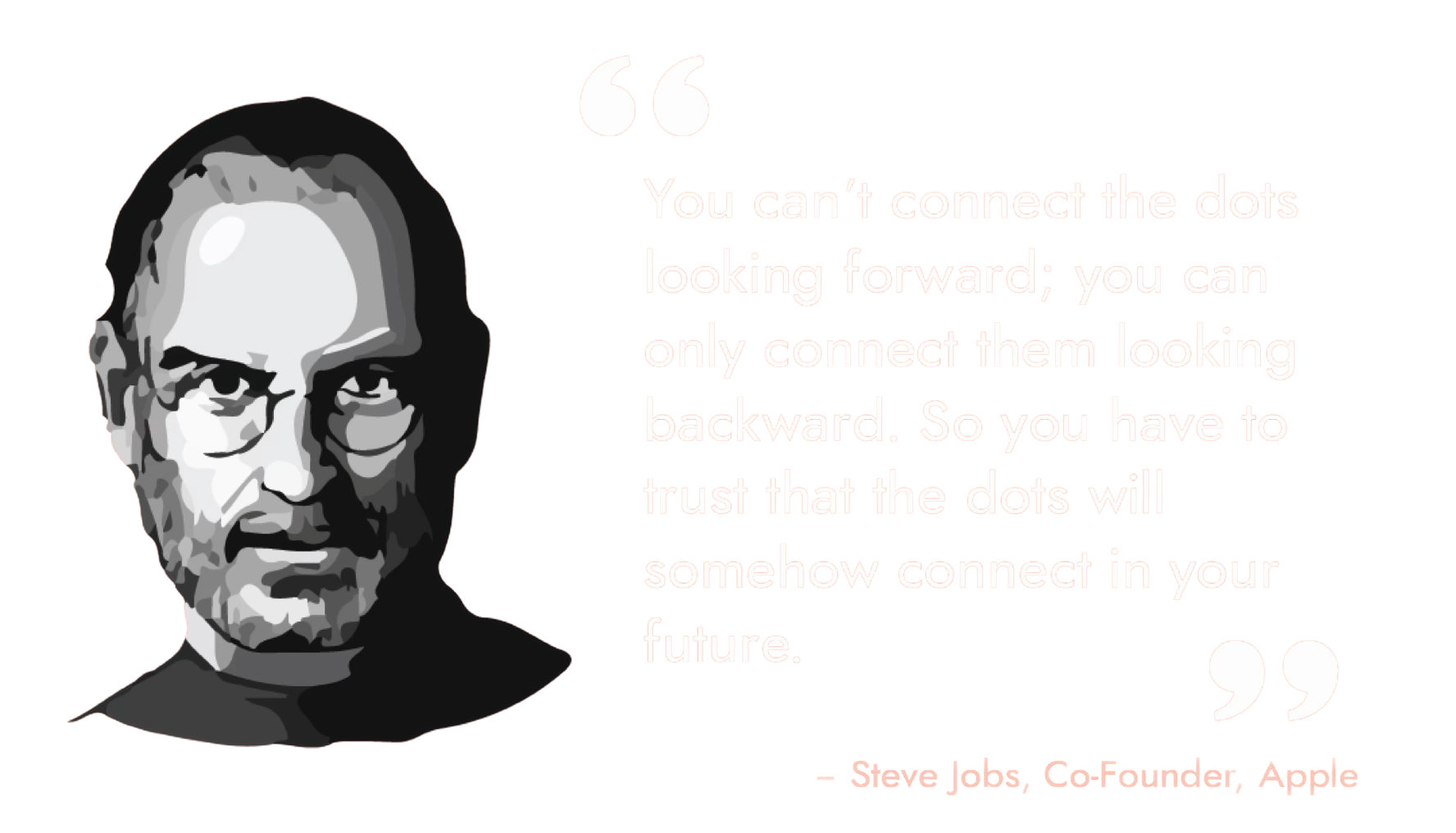
You can’t connect the dots looking forward. You can only connect them looking backward. So you have to trust that the dots will somehow connect in your future.